What a website maintenance plan should include
A useful plan covers ownership, updates, backups, monitoring, restoration and improvement, not only “keeping plugins updated”.
- Author
- Víctor Ribera
- Published
- Reading time
- 2 min read

Maintenance is the operating system around a live website. It keeps the platform known, changes controlled and recovery possible.
A plan should define what is checked, how often, who responds and which work falls outside the monthly scope. Without those boundaries, “maintenance” can mean anything from automated updates to active technical ownership.
Start with an ownership map
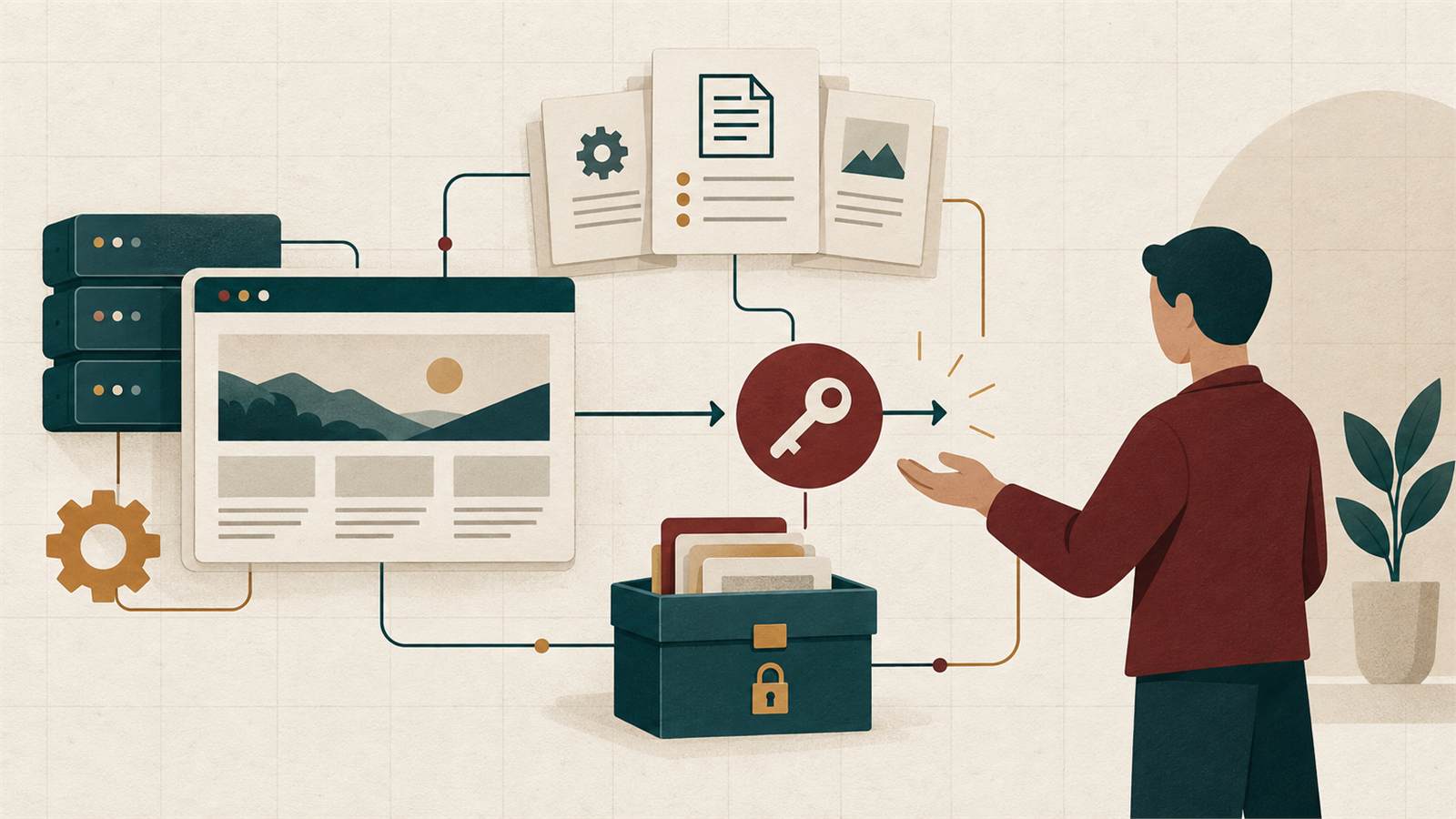
Document the domain, DNS, hosting, CMS, repositories, analytics, forms and third-party accounts. Record who owns each account and where recovery access is stored.
Many incidents last longer because the responsible person cannot reach a registrar, deployment platform or email provider.
- Named owner for every critical account
- Shared, secure access rather than personal credentials
- Renewal dates and billing contacts
- Production, staging and repository locations
Define an update policy
Updates reduce exposure to known defects, but applying them blindly can also break integrations. The plan should explain what updates automatically, what is tested first and when changes are deployed.
Keep dependencies that are no longer maintained visible as a risk instead of assuming an update will arrive.
- Security updates and urgency rules
- CMS, framework and dependency cadence
- Staging or preview checks
- Rollback procedure
Backups must be restorable
A backup is useful only when it includes the required data and can be restored within an acceptable time. Define retention, storage separation and restoration ownership.
Test restoration periodically rather than discovering during an incident that the archive is incomplete or inaccessible.
- Database and uploaded files
- Configuration and deployment source
- Off-site or separate-account storage
- Recorded restore test and recovery time
Monitor signals that lead to action
Uptime alone does not confirm that a website works. A page can return 200 while forms, checkout or integrations fail.
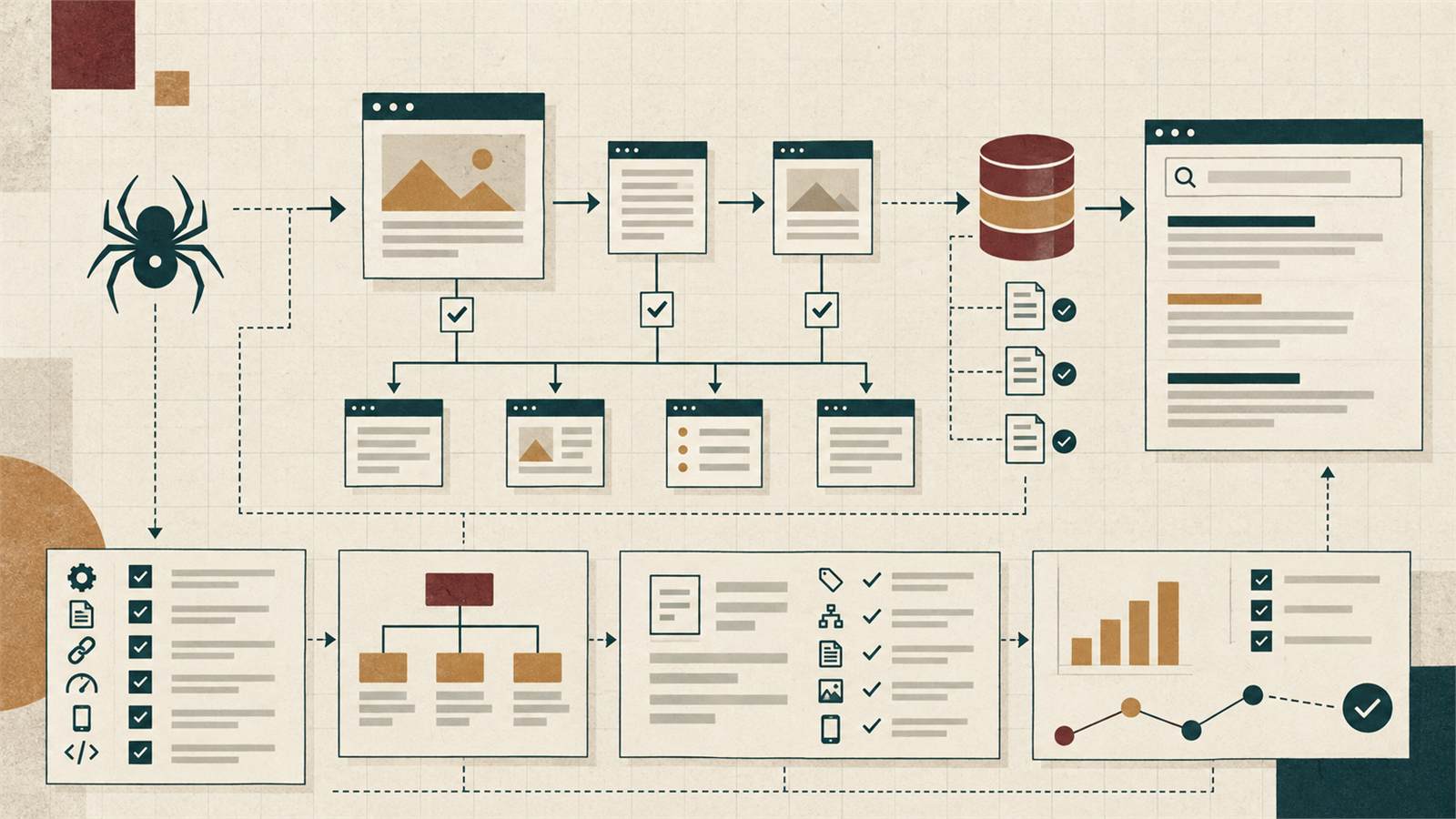
Combine availability with error tracking, certificate and domain expiry, form tests, performance trends and security alerts appropriate to the site.
Separate maintenance from improvement
Routine care keeps the current system healthy. New sections, redesigns, integrations and substantial content work change the product and need separate capacity.
A good plan provides a clear route for small requests and a transparent quotation for work outside the base scope.
Good maintenance creates calm ownership
The value of maintenance is not visible activity every month. It is knowing the system, reducing preventable risk and having a tested response when something changes.