Multilingual business websites: what to decide before translating
Plan the audience, content, URLs and maintenance of a multilingual website before commissioning translations. A practical guide for businesses adding another language.
- Author
- Víctor Ribera
- Published
- Reading time
- 6 min read

Adding a language affects more than the words on your website. Someone has to decide which services are available, whether the contact journey works, how visitors find the right version and who updates it when the business changes.
A useful multilingual website starts with those decisions. Translation follows an agreed scope and a maintainable structure. This guide sets out what to settle before you commission copy or build another version of the site.
Start with an audience you can actually serve
Choose languages around real customers and enquiries, not the number of flags you can fit in a header. Ask where demand comes from, what people need to understand before contacting you and whether your team can continue the conversation in that language.
An English version might serve international businesses in the Netherlands rather than a new office overseas. Write down that audience explicitly. If delivery areas, availability or support differ, agree what the website should say before translating promises that the business cannot fulfil.
- Name the audience and the action each version should support.
- Confirm service availability and the language of follow-up.
- Assign a budget for both launch and ongoing updates.
Define a complete first journey
You do not have to translate an entire archive on day one. Start with a useful route through the business: the offer, evidence, practical questions and a way to get in touch. A translated homepage followed by service pages in another language leaves that route unfinished.
Create a page inventory and mark what will be shared, adapted, published later or omitted. Include the less visible content too: form errors, confirmation messages, downloads, appointment tools and transactional emails. Check third-party tools separately; translating your own interface does not translate theirs.
- List the pages needed from entry to completed enquiry.
- Record supporting documents and external tools.
- Decide what happens when an equivalent page is not available.
Separate shared information from local decisions
Some information should stay aligned across versions: a product specification, the ownership of a service or an agreed process. Other material may need adaptation, such as examples, terminology, currency displays or the questions customers ask. Literal translation is not a substitute for deciding what is relevant.
Document these differences before selecting a CMS workflow. Editors need to know whether changing a shared field affects every language and how a translation awaiting review is marked. Ask the developer to demonstrate a real update, including a missing translation, rather than only showing three finished pages.
- Identify shared facts and fields that can vary.
- Give each language a reviewer who understands the offer.
- Make outdated or incomplete translations visible to editors.
Agree the URL structure before publishing
Google recommends separate URLs for language versions. Decide how yours will be organised before they become part of campaigns, documents and search results. Language directories such as /nl/ and /en/ are one practical option; the right choice also depends on the existing site and who will operate it.
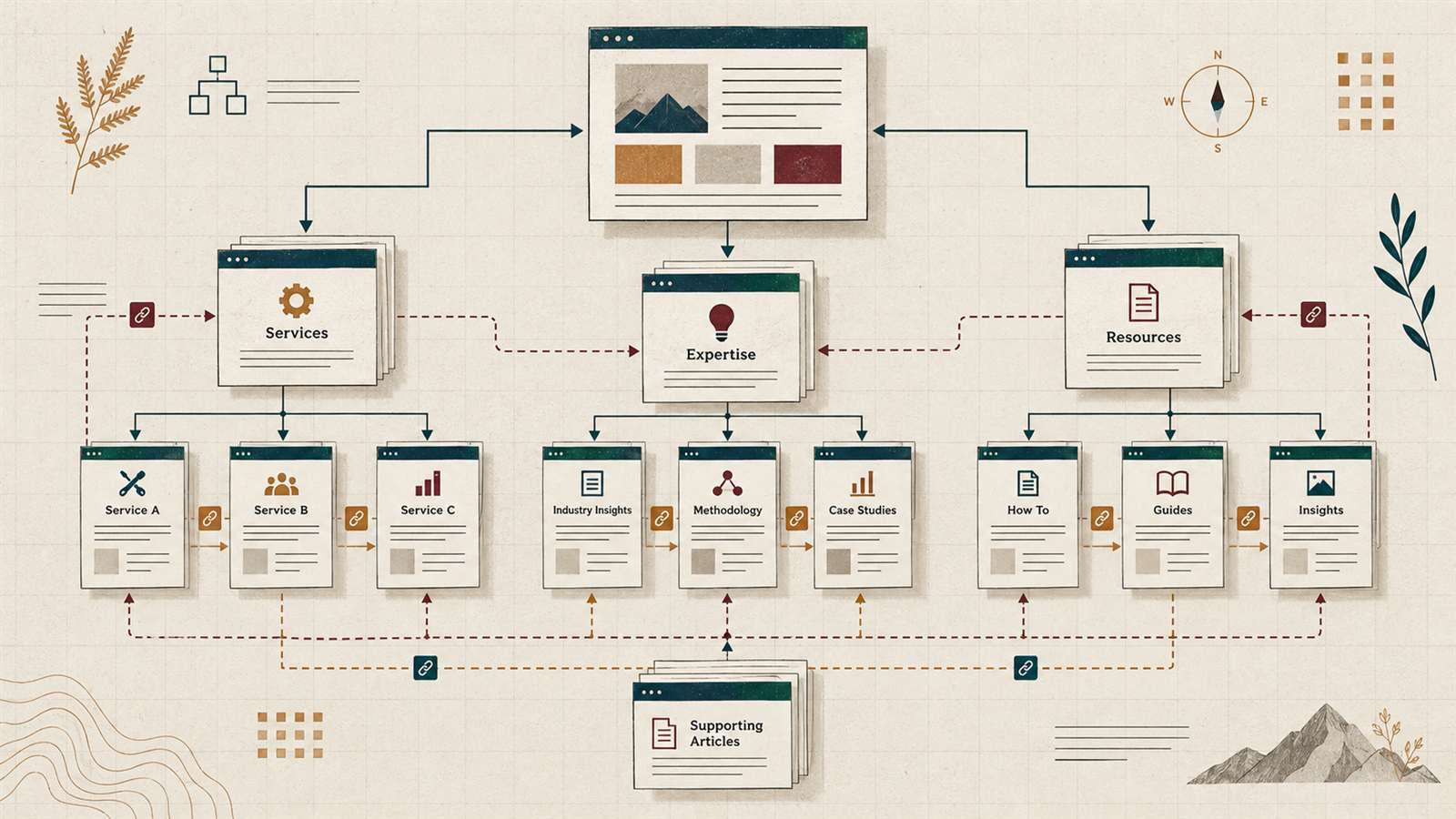
Create a map of equivalent pages and use it for navigation and implementation. The translated slug may differ while the page still answers the same question. Record changes to existing URLs and any redirects separately so that adding a language does not accidentally break established links or campaigns.
- Map equivalent pages by their purpose, not their position in a list.
- Choose readable slugs and keep internal links consistent.
- Plan redirects before changing any existing published URL.
Make language relationships clear to search engines
Hreflang annotations connect equivalent language versions. The set should include the page itself and reciprocal links between versions. A developer should validate the rendered output, not just a setting in an administration screen.
Canonical URLs serve a different purpose: identifying the preferred URL among duplicates. Do not canonicalise every translated page to the original language. Keep the preferred URL in the same language, and align the sitemap and internal links with that choice.
These checks help make the structure coherent; they are not a promise of rankings. Choose useful questions and appropriate terminology for each audience. Before launch, check titles, descriptions and page content in every version rather than assuming that translated navigation completes the SEO work.
- Check equivalents, self-references and return links.
- Verify canonical URLs, indexability and sitemap entries.
- Review local search language without inventing demand figures.
Let visitors choose without losing their place
Label languages clearly, for example Nederlands, English and Español. Flags alone are an ambiguous shortcut for a language. Where an equivalent exists, changing language should open that page rather than send everyone back to the homepage.
Avoid forcing visitors away from an explicitly chosen language URL. Make the selector work with a keyboard, and test longer labels, headings and buttons on a phone. Set the page language correctly so assistive technology can apply suitable pronunciation. Also check error messages, dates and contact details: small inconsistencies become most noticeable when someone is trying to finish a task.
- Use understandable language names and visible keyboard focus.
- Keep a visitor on the equivalent page where possible.
- Test the entire contact journey in each supported language.
Make translation maintenance someone's responsibility
A multilingual launch creates an ongoing editorial commitment. When a price, service or contact method changes, decide who identifies the affected versions, who approves the wording and when those changes go live. Keep a short record of the pages waiting for review.
Automated translation can help produce a draft, but someone still needs to verify meaning, terminology and the business commitments being made. Give reviewers access to the actual page, including buttons and forms. Reading a document alone will not reveal a clipped label, the wrong destination or an untranslated confirmation screen.
Compare how different systems support translation workflows in the guide to choosing a CMS.
- Name an owner and reviewer for each language.
- Include translation review in service and pricing updates.
- Check enquiries and visitor journeys by language after launch.
Turn the decisions into an acceptance checklist
Before development starts, bring the audience, page map, content responsibilities and technical decisions into one short brief. It should let you compare proposals on what will actually be delivered, including review time and the work needed after publication.
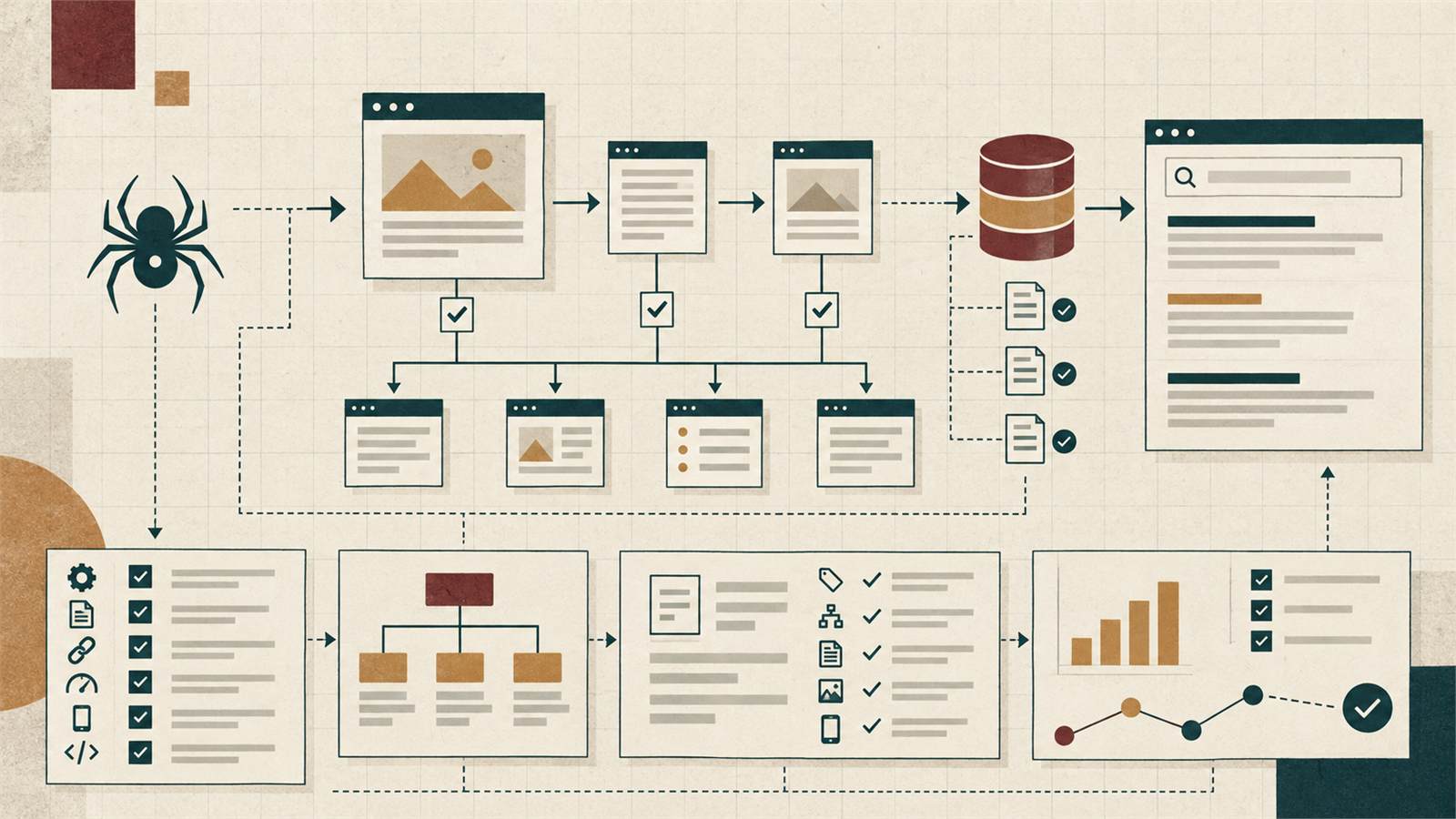
At handover, test representative tasks in every language on desktop and mobile. Open a service page directly, switch to its equivalent, submit a form and check the resulting message. Verify an older link and a missing page as well. This gives the team concrete acceptance criteria and a repeatable check for future changes.
- Approve the first release scope and unavailable-page behaviour.
- Confirm SEO, accessibility and language-switching checks.
- Record who maintains the content after handover.
Translate a plan your team can maintain
The right first release is the one your customers can use and your team can keep accurate. Start with a defined audience, complete journeys and clear ownership. Then build and translate against those decisions, with checks that cover both the content and the working website.